Welcome to NS TECH INSTITUTE OF TECHNOLOGY

Best Computer Coaching in Orai | Registered Institute under the Government under Section Act 21,1860 Vide | Reg. No. JAL/06757 | Ministry of MSME | Reg. No. UP-37-0000622 | It is an ISO 9001:2015 Certified Organization | Government of India

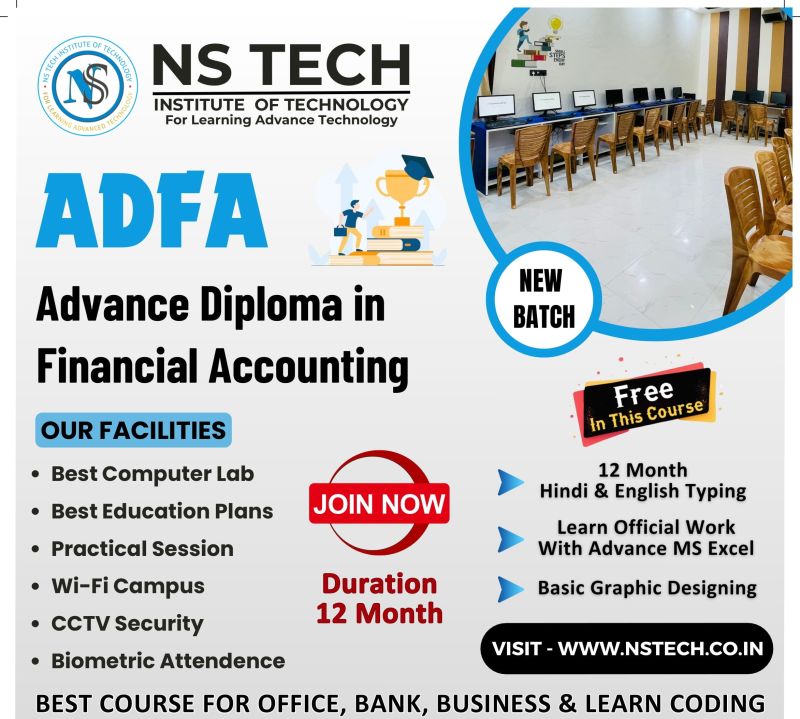
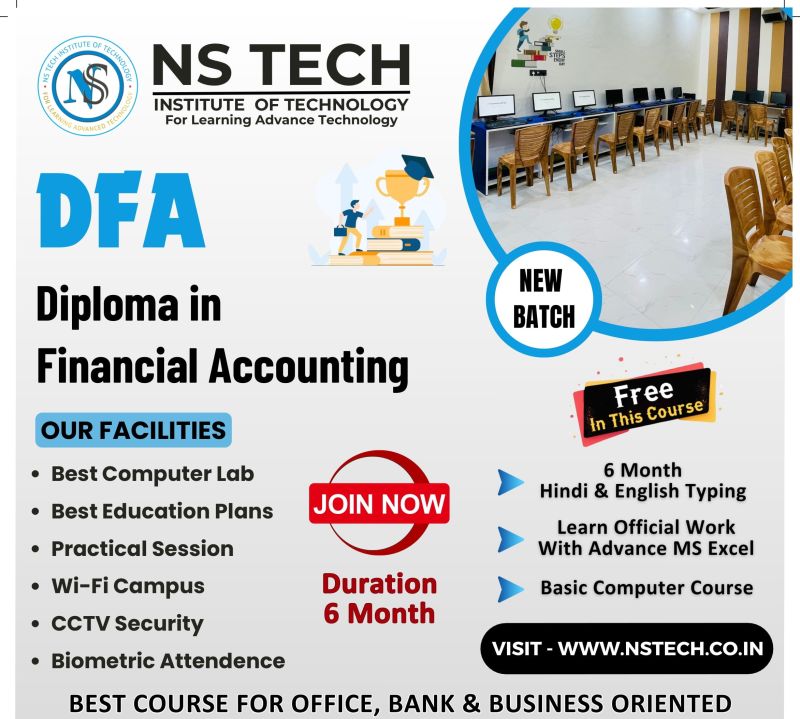
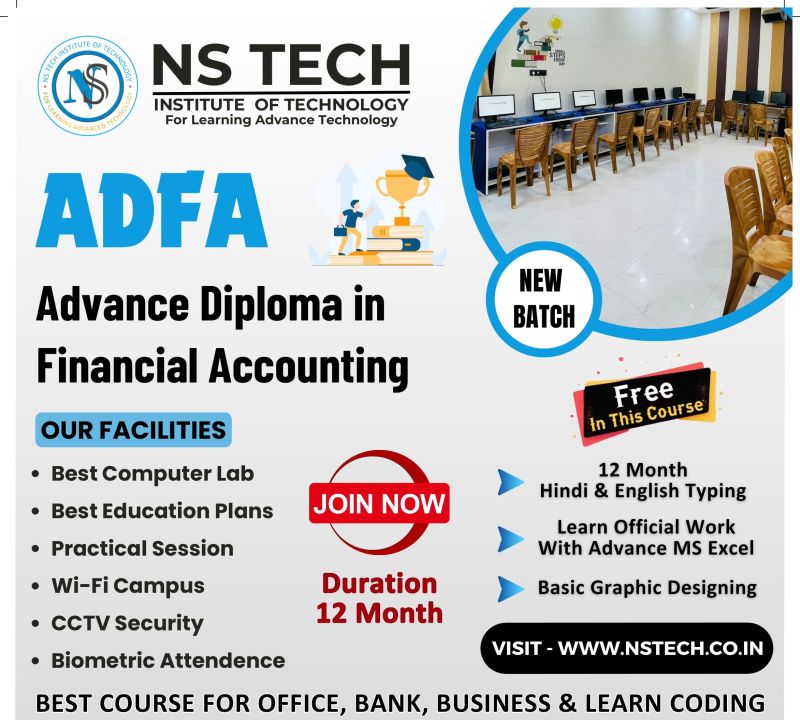
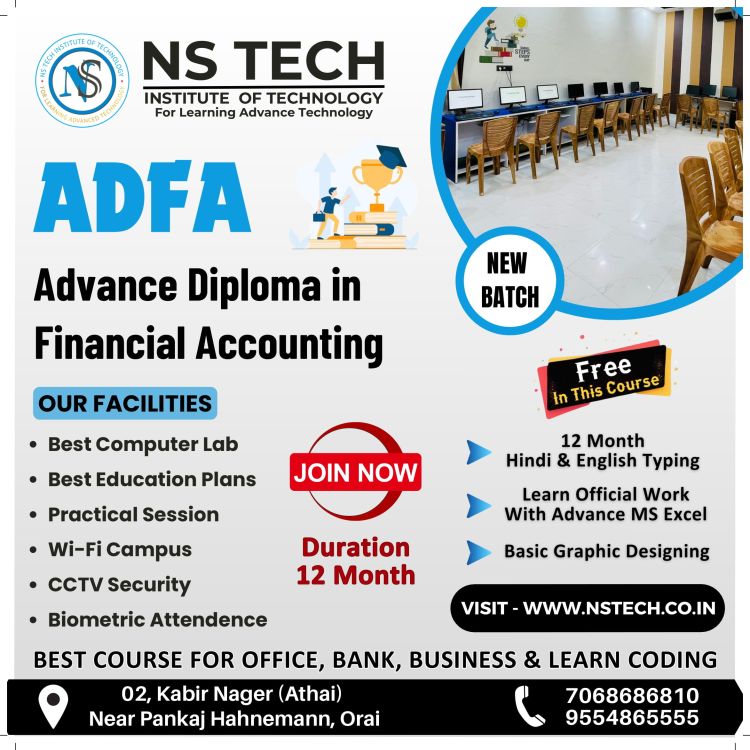
ADVANCE DIPLOMA IN FINANCIAL ACCOUNTING ( M-ADFA03 )

BASIC INFORMATION

The Advanced Diploma in Financial Accounting (ADFA) course is designed to provide students with both technical and professional accounting skills along with essential computer knowledge. This program helps learners become confident in using digital tools and accounting software widely used in today’s business world.

Syllabus :

FUNDAMENTAL OF COMPUTER

  1. 1. Introduction : - What is computer, History of Computer, Shortcut Keys, Full form of Computer
  2. 2. Type of Computer : - Based on Mechanism, Based on Size, Based on Purpose
  3. 3. Components of PC : - Computer System, Computer Hardware and Software
  4. 4. Input/Output (I/O) Devices  : -  Input Devices, Output Devices 

    OPERATING SYSTEM

    • 1. Basics of Operating System
    • 2. User Interface of OS
    • 3. Operating System Simple Setting
    • 4. File and Folder Management
    • 5. Paint, Notepad & Wordpad

INTRODUCTION TO INTERNET

  1. History of the WWW
  2. LAN WAN & MAN
  3. Creating an Email Account
  4. Browsers and Search Engines
  5. Surfing and Searching

MS OFFICE

  1. MS WORD : - Create Paragraph, Text Formatting, Change Case, Border, Page Border, Paragraph and Line Spacing, Styles & Editing, Create Table, Chart, Smart Art, Shapes, Hyperlink, Bookmark, Header & Footer, Text Box, Word Art, Object and Text from File, Page Setup, Page, Background, References, Mailings, Comment, Document View, Split Window, Show/Hide, Macro, Protect Document
  2. MS EXCEL : - Introduction of Excel, Insert and Delete (Cells, Rows, Columns and Worksheet), Font, Alignment, Number Formatting, Hide & Unhide (Rows, Columns, Worksheet), Workbook, Worksheet and File Protect, Customization, Data Fill, Merge Cells, Conditional Formatting, Formatting, Split Window, Freeze Panes

EXCEL FORMULAS:- 40+ Count

Math Function (Sum, Round, Int, Mode) 

Stats Function (Count, Average, Max, Min)

Text Function (Upper, Lower, and Proper)

Logical Function (If, Count If, Count Ifs, Sum If, Sum Ifs, Lookup, Vlookup, Hlookup)

Salary Creation, Salary Distribution, Business Recept slip, and Mark Sheet

Sort, Filter, Group & Ungroup, Remove ungroup; remove duplicates.

3. MS POWER POINT : - Create and Manage Presentations, Insert and Format Text, Shapes, and Images, Insert Tables, Charts, SmartArt and Media, Apply Transitions and Animations

ACCOUTING WITH TALLY

  1. Introduction of Tally:-  Easy calculation of TDS (Tax Deducted at Source), Interest calculation in, maintain balances bill by bill, Purchase/Sales Order, Inventory Report, VAT (Value Added Tax), Payroll, Manage Stocks, Manage Vouchers, Daybook, Display Balance Sheet.
  2. Gst & Taxation:- Goods and Services Tax (GST), Purchase Voucher with GST, Sales Voucher with GST, GST Returns and Payment
  3. Ledgers & Voucher:- Payment Voucher, Receipt Voucher, Contra and Journal Voucher, Purchase Order Processing, Sales Order Processing, Debit and Credit Notes
  4. Inventory & Stock:- Masters – Ledgers, Masters – Groups, Masters: Inventory, Stock Transfers
  5. Balance sheet:- Batch Wise Details, Purchase and Sales Reporting, Stock Analysis and Reports, Printing Reports
  6. Profit & Loss
  7. Payroll:- Payroll Accounting in Tally

HTML

1. INTRODUCTION OF HTML

  1. HTML (Hypertext Markup Language) Is A Markup language used by the browser to manipulate text, images, and other content, in order to display it in the required format.
  2. HTML was created by Tim Berners-Lee in 1991. The first-ever version of HTML was HTML 1.0, but the first standard version was HTML 2.0, published in 1995.
  3. HTML is the code that is used to structure a web page and its content.
  4. HTML is the language for describing the structure of Web pages. HTML gives authors the means to: Publish online documents with headings, text, tables, lists, photos, etc. Retrieve online information via hypertext links, at the click of a button.
  5. Web browsers receive HTML documents from a web server or from local storage and render the documents into multimedia web pages. HTML describes the structure of a web page semantically and originally included INTROIcues for the appearance of the document.

2. INTRO TO HTML SYNTAX

  1. The HTML, head, title, & body tags Headings, paragraphs, & lists The strong & me tags The doctype The lang attribute The meta tag & the Unicode character set.
  2. Absolute & Relative URLs 
  3. Anchor tags & hers Linking to other websites Linking to pages within a website Opening a link in a new browser window/tab. Adding Images The break tag The image tag & source attribute Using the width, height, & alt attributes Using horizontal rules.

CSS

  1. Introduction to CSS
  2. CSS Fundamentals
  3. Flexbox Layout
  4. Grid Layout
  5. CSS Variables & Dark Mode
  6. Transitions & Animations
  7. Form & Component Styling
  8. Mini projects like landing pages

PYTHON LANGUAGE

  1. Introduction to Python
  2. Python Basics (Syntax, Data Types, Control Flow)
  3. Functions & OOP Concepts
  4. File Handling (TXT, CSV, JSON)
  5. Database Integration (MySQL, SQLite, MongoDB)
  6. API Handling & Web Scraping
  7. Flask / FastAPI (Mini Backend)
  8. Testing, Git & Capstone Project

QUALIFICATION :- 10th CLASS